AI automation
AI Automation & AI Agent Development
I build AI agents and workflows that read your emails, documents and leads, make the routine decisions, and hand the rest to your team, so people spend their time on work that needs a human.
- OpenAI
- Claude
- Python
- n8n
- Slack
- HubSpot
Sound familiar?
The problems I solve
Your inbox is a full-time job
Someone on the team spends hours every day reading messages, working out what each one is about, and forwarding it to the right person or system.
Copy-paste between documents and tools
Invoices, applications and forms arrive as PDFs or emails, and a person retypes the important fields into your CRM, sheets or accounting software.
Leads wait too long for a reply
New enquiries sit in a queue until someone has time to qualify them, and the best prospects go cold or book with a faster competitor.
AI demos that never reach production
You have tried ChatGPT prompts and plugins, but nothing is connected to your real data, nothing is logged, and nobody trusts it enough to rely on it.
What I build
What you get with AI Automation
AI agents for real tasks
Agents that use your tools through APIs: look up records, draft replies, update the CRM and escalate to a person when confidence is low.
Email and ticket triage
Incoming messages are classified by intent and urgency, routed to the right queue, and drafted replies are prepared for review.
Document processing
Data extraction from PDFs, invoices, contracts and forms into structured records, with validation rules and a review step for anything unusual.
Lead qualification
New leads are enriched, scored against your criteria and pushed into the CRM with a summary, so sales starts every call with context.
Knowledge assistants (RAG)
Assistants that answer questions from your own documents, help center or database, with sources shown so answers can be checked.
Guardrails and monitoring
Prompt versioning, cost limits, logging and human approval steps, so the automation stays predictable and you can see exactly what it did.
See it in action
AI email triage
Hover, tap or tab through the steps to see what each one does. Press Run to replay the demo.
- Inbound email: A new message lands in the shared inbox and starts the workflow within seconds.
- AI classifies intent: An LLM reads the email and labels it as support, sales or other, with a confidence score.
- Create support ticket: Support requests become a ticket with a summary and suggested reply attached.
- Add lead to HubSpot: Sales enquiries are created or updated in HubSpot with the AI summary on the record.
- Alert team on Slack: The right channel gets a short alert, and anything low-confidence is flagged for a human.
Inbound email: A new message lands in the shared inbox and starts the workflow within seconds.
Case studies
Related work
Student Cheat SheetAcademic note builder powered by the ChatGPT API-Box & Page views, WYSIWYG editing, LaTeX, pagination, and exports for math cheat sheets.
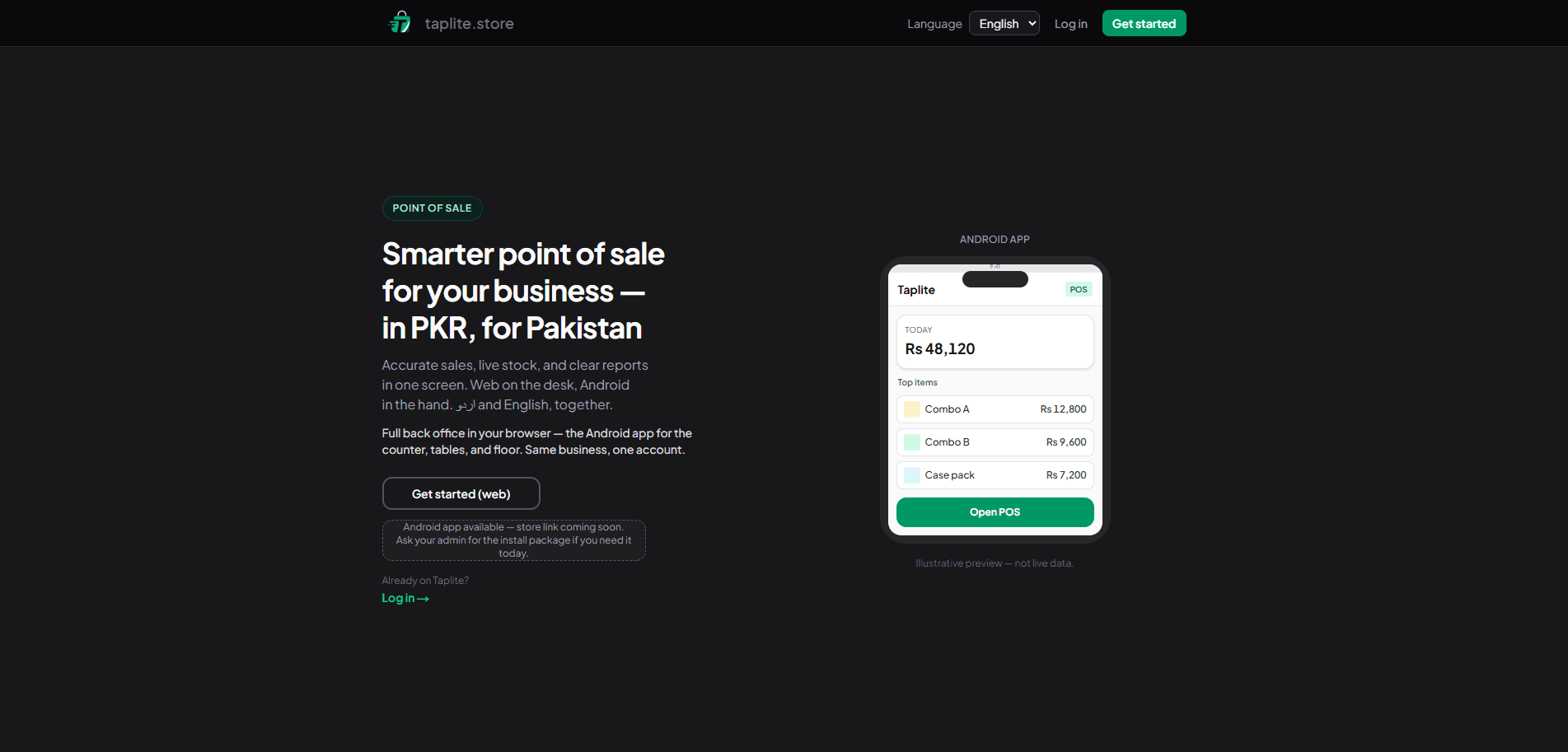 Taplite - taplite.storePOS suite for small businesses in Pakistan: Android and web clients with inventory, sales, and reporting plus AI-assisted flows for faster checkout and day-to-day decisions.
How we work
From first call to handover
Discovery call
A free call to understand your goals, current tools and constraints. You leave with a clear idea of what is possible, even if we do not work together.
Scope & quote
A written scope with deliverables, milestones and a quote, so you know exactly what you are getting before any work starts.
Build in weekly milestones
Work ships in weekly slices with a preview link and a short update each time, so you see progress and can steer early.
Handover, docs & support
You get the code, accounts, documentation and a walkthrough video. Ongoing support is available if you want it.
FAQ
AI Automation questions
Mainly OpenAI (GPT) and Anthropic (Claude) models, chosen per task for quality, speed and cost. The workflow is built so the model can be swapped later without rebuilding everything around it. For tasks involving sensitive data or strict budgets, smaller and cheaper models are often enough, and I test them against real examples before choosing.
I use API access, which the major providers do not use for model training by default, keep credentials in your own accounts, and only send the fields a task actually needs. For sensitive data we can add redaction or keep processing on your own infrastructure. Where regulations apply, I document exactly which data leaves your systems, where it is processed, and how long it is kept.
Every automation I build has a fallback. Low-confidence results go to a person for review, every decision is logged, and important actions such as sending an email or updating a deal can require approval until you trust the output. Over time, the review queue becomes material for better prompts and rules, so the share of items needing a person keeps shrinking.
It depends on the job. Visual tools like n8n and Make are great for workflows your team will want to adjust themselves; custom Python or Node services suit heavier processing or AI features inside your product. I recommend one after the discovery call. Either way, the logic is documented and you own every account, so you are never dependent on one platform or on me.
Model usage is billed by the provider based on volume. During scoping I estimate it from your real volumes, and I add usage limits and caching so costs stay predictable. You will see the real usage in your provider dashboard, and I can set alerts that warn you well before any monthly limit is reached.
Yes. Agents work through the tools you already use, such as Gmail or Outlook, Slack, HubSpot, GoHighLevel, Google Sheets, Notion or your own database, so your team does not need to learn a new app. Where a tool has no public API, I look for alternatives such as email parsing, exports or webhooks before suggesting anything custom.